
Forlinx EV Charger Touchscreen HMI: Clear Charging States and Feedback
An embedded HMI development approach for EV charger touchscreens, focused on clear user actions and system feedback. The interface is organized around defined charging states and keeps display behaviour separate from charger control, so the interaction can be reviewed before the full product is ready.
A charging interface has to explain a technical process to the person using it, and a clear touchscreen HMI makes that interaction easier to review. Forlinx's EV charger touchscreen HMI reference is built around clear user actions and system feedback. This article provides a detailed look at how such an interface can be organised around system states and validated with real hardware.
An EV charger interface sits between a user and a technical process. The user needs to understand the current state, what can be done next and whether a requested action has taken effect. A screen that looks attractive but leaves those questions unanswered creates friction at the point of use. Forlinx's EV charger touchscreen demonstration provides a starting point for discussing that interaction layer.
Forlinx's EV charger touchscreen application provides a starting point for interface development. The useful next step is to develop the interface around the intended product's states and controls. The HMI can be developed as a defined interaction layer and connected to the functions of the complete charger.
Organize the interface around system state
A product interface can be designed around states such as ready, connecting, charging, completed and unavailable. The state set should be agreed with the equipment team during product development. Each screen should make the current state clear and present the appropriate action.
Feedback matters after an action. If the user requests a stop, the interface should show that the request has been received and then display the confirmed system state. The final behavior must be defined with the charger controller so a button press is not confused with a completed electrical operation.
Separate display behavior from charger control
The HMI renders information, receives touch input and exchanges application data with the equipment. The charger controller remains responsible for its defined control functions. The communication protocol and division of responsibility need to be agreed for each product.
This separation can make interface development easier to test. A software prototype can exercise the proposed screens with simulated states before all equipment is available. Those screens should be labeled as simulation during development. End-to-end validation must later confirm that the visible information corresponds to the real controller and its fault conditions.
Evaluate readability under real use conditions
An interface trial should include the actual screen size, viewing position and touch behavior. Outdoor brightness, reflections and the user's language requirements may influence the design. Those conditions should be represented in the interface evaluation.
Useful additions to evaluate include clear fault messages, understandable units and a consistent way to return to the main task. Where accessibility or localization is required, it should be included early. Smooth animation alone does not establish usability, and a simulated price or energy value does not establish a billing function.
Turn a confusing interruption into a clear next step
Consider a proposed interface for a charging session interrupted by an equipment status change. Instead of leaving the user on a progress screen, the HMI could display the confirmed state, an understandable explanation and the permitted next action. This behavior can first be reviewed with simulated controller messages, then tested with the intended charger hardware.
The advantage of treating state feedback as an explicit design task is that interaction can be assessed before the whole product is complete. It also helps the interface and controller teams agree on messages and responsibilities. This example is a product design proposal, not a claim about an implemented fault sequence in the demonstration.
Define the embedded platform around the interface
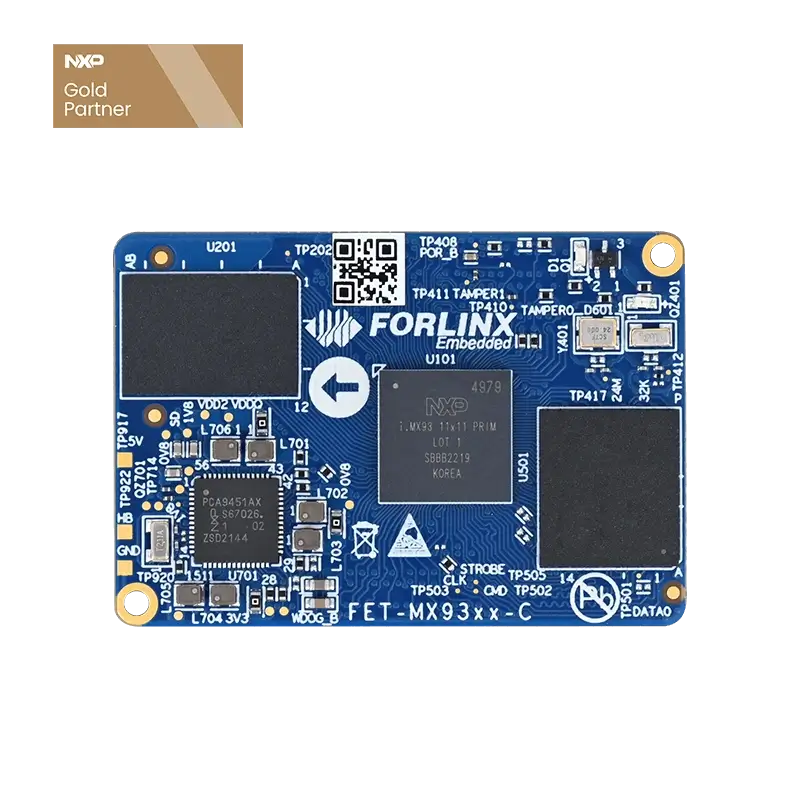
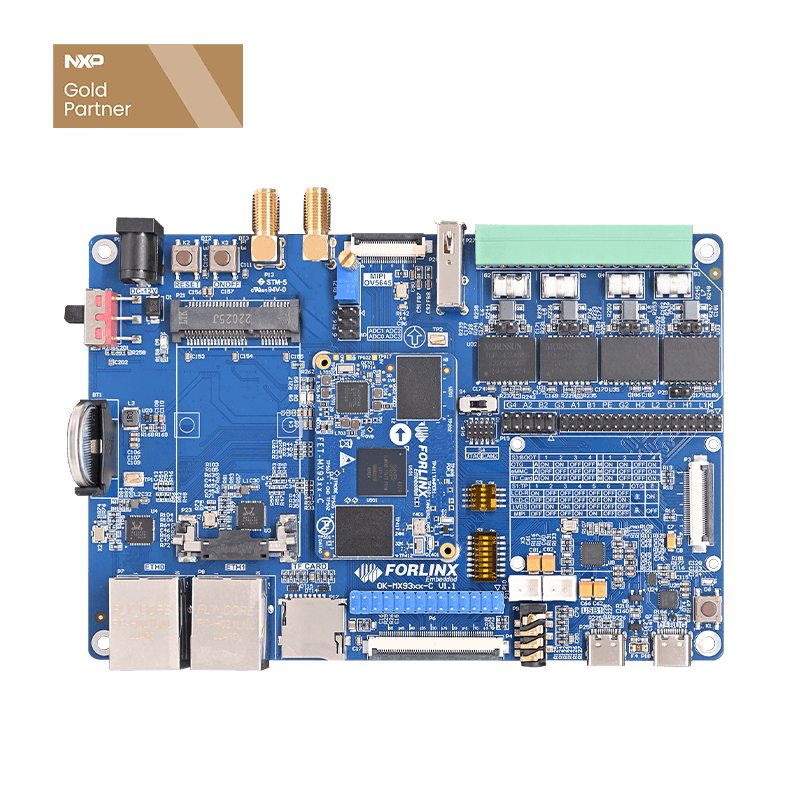
Share the screen and touch specifications, intended controller connection and proposed interface states with Forlinx. We can discuss embedded hardware and display integration around your HMI. Our separate NXP Tech Day material also documents an i.MX93 and LVGL reference for platform discussions. The final hardware, graphics software and charger interfaces should be selected against the requirements of the specific product.
Frequently Asked Questions
What does the EV charger touchscreen HMI reference cover?
Forlinx's EV charger touchscreen HMI reference focuses on clear user actions and system feedback. The useful next step is to develop the interface around the intended product's states and controls and connect it to the functions of the complete charger.
How should an EV charger interface be organized?
The interface can be designed around states such as ready, connecting, charging, completed and unavailable. Each screen should make the current state clear and present the appropriate action, with the state set agreed with the equipment team.
How is display behaviour separated from charger control?
The HMI renders information, receives touch input and exchanges application data with the equipment, while the charger controller remains responsible for its control functions. The communication protocol and division of responsibility need to be agreed for each product.
What should be validated with real hardware?
An interface trial should include the actual screen size, viewing position and touch behaviour, along with outdoor brightness, reflections and language requirements. End-to-end validation must confirm that the visible information corresponds to the real controller and its fault conditions.
Is the interrupted-charging example an implemented feature?
No. That example is a product design proposal, not a claim about an implemented fault sequence in the demonstration. Smooth animation alone does not establish usability, and a simulated price or energy value does not establish a billing function.