
Forlinx RK3588 + RK1828 Edge AI Solution: 36-Channel Video Analytics on FCU3502 at electronica 2026
The Forlinx FCU3502 demonstration received 36 H.265 video streams over RTSP at 720p and 20 frames per second (fps) per stream. The Rockchip RK3588 decoded the video, and the RK3588 and RK1828 shared AI inference across six types of analytics.
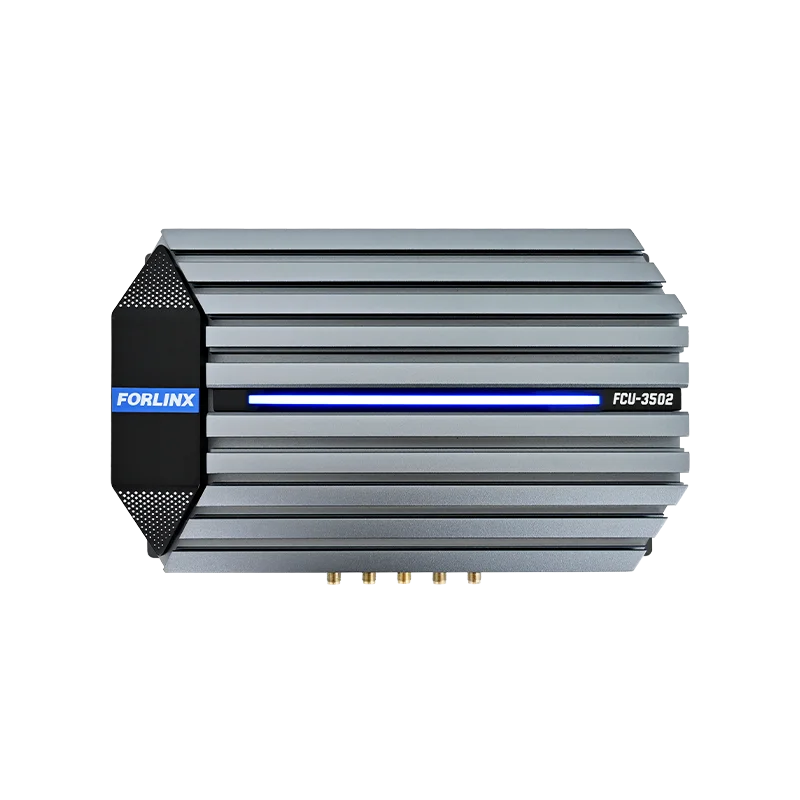
A multi-camera monitoring system has to keep video and analytics results tied to the correct camera. The Forlinx FCU3502 edge AI computing box combines stream ingestion, video decoding, inference, and display output in one unit. Forlinx demonstrated this setup at electronica 2026 in Munich.
How the FCU3502 processes video
- Receive and decode video. The system receives H.265 streams over RTSP and decodes them on the RK3588.
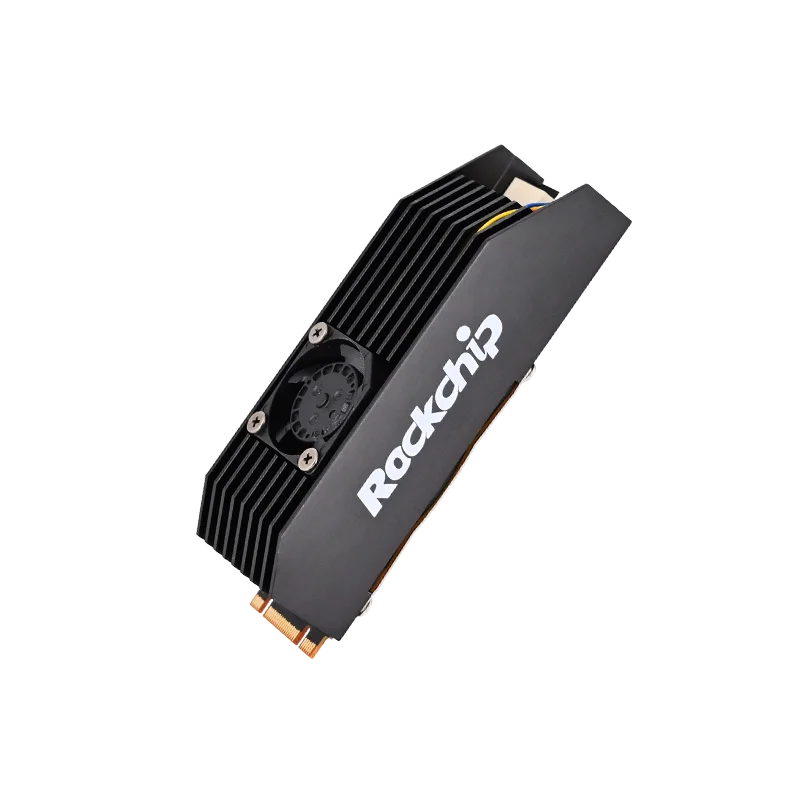
- Run inference. The RK3588 and RK1828 share inference workloads. The Forlinx solution brief lists 6 TOPS for the RK3588 and 20 TOPS for the RK1828, for a combined nominal rating of 26 TOPS.
- Display results. The demo overlays inference results on the corresponding camera views and sends the output to an external display.
Analytics in the demonstration
The demo ran six types of analytics in parallel across the setup: image segmentation, pose estimation, object detection, intrusion detection, face detection, and landmark detection. The solution brief lists YOLOv8 for object detection, pose estimation, and segmentation, RetinaFace for face detection, and 6DRepNet for head-pose estimation.
Measure throughput on your own streams
The 36-stream result describes the demo configuration. The 20 fps figure is the source video rate per stream. Measure the inference rate separately for each camera and task, along with the rate at which the display updates.
- Use representative inputs. Test with your expected codec, resolution, bitrate, and camera count. Include low light, motion, and partial occlusion where relevant.
- Measure per-channel performance. Record inference rate, missed events, false alerts, and the time from frame capture to the displayed result. Run the intended mix of models concurrently.
- Check sustained operation and recovery. Run the workload over an extended period. Interrupt and reconnect a camera stream to see how quickly analytics resume and whether other channels are affected.
Start a pilot with one event
For an industrial site or construction project, start with a specific event, such as a person entering a designated zone. Define the zone in each camera view and check that the operator can identify the source camera and review the event. Specify any alerting or recording requirements for the pilot, then add cameras or analytics tasks and repeat the measurements.
To plan an evaluation of the FCU3502, share your stream specifications, the events you need to detect, and your response-time requirements with Forlinx.
Frequently asked questions
What video input did the demonstration use?
The demo received 36 H.265 streams over RTSP, each at 720p and 20 fps.
Which processor handles video decoding?
The RK3588 decodes the incoming video. The RK3588 and RK1828 share inference workloads.
What determines the supported stream count for my application?
Test with your codec, resolution, source frame rate, model mix, and required inference rate per channel. These settings determine the workload the system must sustain.