
Guide to TFTP Flashing the File System on Forlinx Embedded RK3568 Development Board
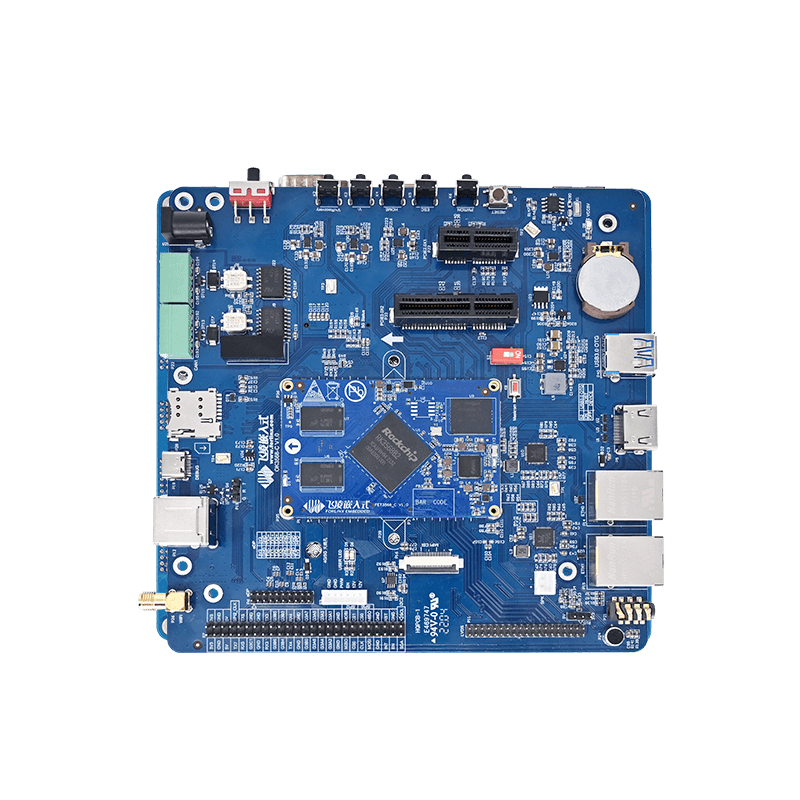
The test is conducted using the standard development environment of Linux 4.19.206 on the OK3568-C development board, which is equipped with the Rockchip RK3568 processor. It has a stable network foundation and can meet the transmission requirements of the TFTP protocol. During the testing, the TFTP server was deployed on the Ubuntu system. Ubuntu and the RK3568 development board were configured in the bridge mode (by leveraging the hardware advantage of the dual network interfaces on the development board, the network transmission latency can be reduced). The server address was set to 172.16.0.177.
Make sure to place the system images (boot.img and rootfs.img) in the TFTP server directory beforehand. Additionally, verify that there is a proper network connection between the development board and the server, as this is essential for the process to run smoothly.
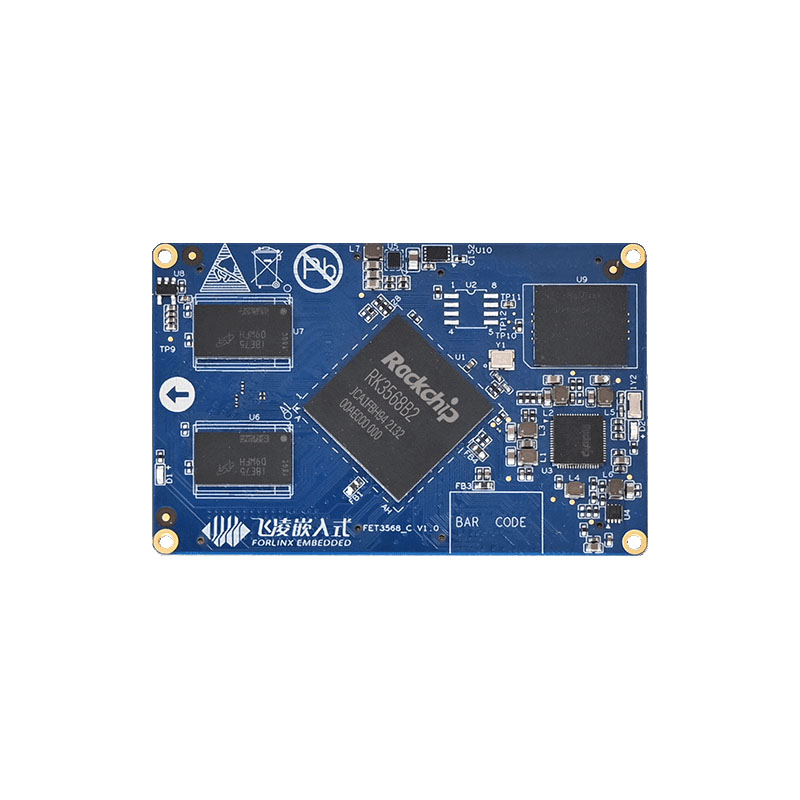
Forlinx RK3568 SoM
1. Configuring U-Boot Environment Variables for Network Access
The Uboot environment configuration of the RK3568 development board is simple and intuitive. Coupled with the on-board Type - C Debug interface (which integrates a USB - to - serial chip, eliminating the need for an additional adapter), developers can quickly enter the Uboot command line through terminal tools (such as SecureCRT and Xshell) to complete the network parameter configuration.
Operation tips: The default baud rate of the Type - C Debug interface is 115200bps, with 8 data bits, 1 stop bit, and no parity check. After connecting, restart the development board to enter the Uboot command line.
=> setenv ethaddr 22:51:a2:cc:47:2d # Set the Ethernet MAC address of the development board to ensure a unique network identity
=> setenv ipaddr 172.16.0.176 # Configure the static IP of the development board, which should be in the same network segment as the server
=> setenv gatewayip 172.16.0.218 # Set the gateway address to ensure cross - network segment communication (if needed)
=> setenv netmask 255.255.0.0 # Configure the subnet mask to match the LAN network segment planning
=> saveenv # Save the environment variables to the eMMC to prevent data loss after restart
Saving Environment to ENV_BLK…
Saving Environment to ENV_BLK...
Writing to mmc(0)... done
# Verify network connectivity: first ping the real machine, then ping the Ubuntu server
=> ping 172.16.0.77 # Test the network connectivity between the development board and the real machine
ethernet@fe2a0000 Waiting for PHY auto negotiation to complete. done
Using ethernet@fe2a0000 device
host 172.16.0.77 is alive
=> ping 172.16.0.177 # Crucial step: verify the connectivity with the TFTP server (if it fails, check the VMware bridge mode or the network cable connection of the development board)
Using ethernet@fe2a0000 device
host 172.16.0.177 is alive
=> setenv serverip 172.16.0.177 # Specify the IP of the TFTP server, and subsequent transmissions will default to this address
=> saveenv
Saving Environment to ENV_BLK...
Writing to mmc(0)... done
Note: If pinging the server fails, you need to prioritize the following checks:
- Whether the VMware network is set to ''Bridge mode'';
- Whether the network cable connection of the development board is normal (it is recommended to use Category 5e or better network cables);
- Whether the TFTP port (default port 69) is blocked by the server firewall.
2. Querying the eMMC Partition Table
The Forlinx Embedded RK3568 development board offers multiple eMMC storage options of 8/16/32/64GB. In this test, the standard Linux partition plan is adopted. The complete partition structure can be viewed through the mmc part command to clarify the target partitions for the boot.img (boot image) and rootfs.img (file system image).
= > MMC part # List the partition table for eMMC device 0 (Partition Type: EFI)
Partition Map for MMC device 0  --   Partition Type: EFI
Part    Start LBA       End LBA         Name        Attributes    Type GUID    Partition GUID
  1     0x00004000      0x00005fff      "uboot"     0x00000000    0a100000-...  b7030000-...
  2     0x00006000      0x00007fff      "misc"      0x00000000    420c0000-...  ca5e0000-...
  3     0x00008000      0x00017fff      "boot"      0x00000000    aa0c0000-...  81190000-...  # boot.img target partition
  4     0x00018000      0x00027fff      "recovery"  0x00000000    2a050000-...  c4620000-...
  5     0x00028000      0x00037fff      "backup"    0x00000000    aa600000-...  7b5d0000-...
  6     0x00038000      0x00c37fff      "rootfs"    0x00000000    12770000-...  614e0000-...  # rootfs.img target partition
  7     0x00c38000      0x00c77fff      "oem"       0x00000000    4a1c0000-...  e52f0000-...
  8     0x00c78000      0x01d59fbf      "userdata"  0x00000000    3b120000-...  680f0000-...
This partition plan is fully adapted to the multi - system characteristics of the RK3568 development board. If it is necessary to switch to the Android or OpenHarmony system, only the partition table needs to be adjusted through the partition_tool.sh script provided by Forlinx Embedded, without replacing the hardware.
3. Flashing boot.img to the Boot Partition via TFTP
Use the tftpflash command to directly load the boot.img from the TFTP server to the ''boot'' partition (partition 3) of the eMMC. The high - speed data processing capability of the RK3568 processor can ensure a stable TFTP transmission rate, ensuring the rapid completion of the boot image flashing.
Explanation of the tftpflash command: tftpflash [loading address] [file name] [target partition name]
=> tftpflash 0x09400000 boot.img "boot"
Using ethernet@fe2a0000 device
TFTP from server 172.16.0.177; our IP address is 172.16.0.176
Filename 'boot.img'.
Load address: 0x9400000
Loading: #################################################################
         #################################################################
         ......(Omit the intermediate loading process)
         ###############################################
         3.1 MiB/s
done
Bytes transferred = 23584256 (167de00 hex)
## TFTP flash boot.img to partititon 'boot' size 0x167de00 ... OK
reboot # Restart after burning is completed to verify whether the boot partition is normal (optional step. You can also restart the system after flashing the rootfs).
Technical highlights:
The boot.img contains the kernel and device tree, and the stability of its flashing directly affects the system startup. The eMMC of the RK3568 supports the ''bad block management'' function. Coupled with the 5V/12V power protection design of the carrier board, it can avoid image damage caused by voltage fluctuations during the flashing process, meeting the long - term operation requirements of industrial scenarios.
4. Flashing rootfs.img to the Rootfs Partition via TFTP
The rootfs.img contains a complete file system (such as directories like /bin, /etc, /lib). It needs to be flashed to the ''rootfs'' partition (partition 6). The rootfs partition of the RK3568 development board has sufficient reserved space (the partition size in this test is about 1.9GB). It can not only accommodate the basic file system but also meet the needs of subsequent function expansion. For example, the development board has an NPU with a computing power of 1 TOPS. If you need to deploy a lightweight AI application, you can directly integrate the RKNN - Toolkit tool (supporting one - click conversion of mainstream models such as Caffe, TensorFlow, and PyTorch) into this file system without additional adjustment of the storage architecture.
=> tftpflash 0x09400000 rootfs.img "rootfs"
Using ethernet@fe2a0000 device
TFTP from server 172.16.0.177; our IP address is 172.16.0.176
Filename 'rootfs.img'.
Load address: 0x9400000
Loading: #################################################################
         #################################################################
         ......(Omit the intermediate loading process, as the file is large and the loading time is slightly longer)
         #################################################################
done
Bytes transferred = 1404391424 (53b55000 hex)
## TFTP flash rootfs.img to partititon 'rootfs' size 0x53b55000 ... OK
=> reboot # After flashing is completed, restart the development board to enter the target system
Note:
The RK3568 development board features a split design consisting of a "SoM" and a "carrier board." If it is necessary to expand storage—such as adding a hard disk via the SATA 3.0 interface—or modify networking options by adding a 4G/5G module through the M.2 Key - B interface, there is no need to re - flash the file system. Instead, the necessary drivers can simply be installed within the existing system. Pre - compiled drivers are available in the Forlinx Embedded data package, which greatly simplifies the process of function iteration.
5. Summary
The operation of flashing the file system via TFTP on the Forlinx Embedded RK3568 development board not only demonstrates the convenience of its basic functions (such as simple Uboot commands and stable network transmission) but also shows the core advantages of the product:
- Industrial - grade reliability: EMC protection, industrial - grade eMMC, and power protection, suitable for complex on - site environments;
- High scalability: Dual Gigabit Ethernet, SATA3.0, and M.2 interfaces support flexible expansion of storage and networking functions;
- AI computing power integration: The 1 TOPS NPU supports lightweight AI applications, and development tools can be directly integrated into the file system;
With the complete technical data and technical support from Forlinx Embedded, developers can easily complete the entire process from image flashing to function expansion, accelerating the product implementation in fields such as industrial control, smart devices, and edge computing.