
RK3576 Development Board: Design and Implementation of Android 14 System Industrial-Grade APP Keep-Alive Mechanism
1. Industry Demands and Development Challenges
Maintaining a process keep-alive is essential in Android application development for ARM platforms. This is especially true in industrial-grade embedded scenarios, where the continuous and stable operation of background applications is crucial for tasks like device monitoring and data acquisition. So, during recent Android 14 development on the Forlinx Embedded RK3576 development board, the focus has been on addressing the need for industrial monitoring applications to maintain continuous background operation under native system management policies. Several key technical challenges have been identified in this process:
System-Level Cleanup Mechanisms:
User-Action Triggered Termination:
Inherent System Limitations:
Severe Impact on Operations:
OOM Killer and Low Memory Killer proactively clear background processes. The system automatically terminates low-priority processes based on memory usage.
Actions such as screen-off, process freezing, manually swiping away the app interface, or executing kill commands via the shell terminal can directly terminate processes.
The system lacks native keep-alive or auto-restart mechanisms, preventing terminated processes from recovering automatically.
This leads to interruptions in data acquisition, device monitoring failures, and severely compromises the stability of the entire industrial system.
Therefore, there is an urgent need to develop a targeted solution for process keep-alive and automatic restart, ensuring the continuous and stable operation of core business processes in industrial environments.
2. System Characteristics and Core Solution Approach
An analysis of the RK3576 development board running the Android 14 system reveals that it adheres to strict policies for managing background processes. The system actively removes low-priority background processes based on memory usage and supports functions such as freezing processes and enforcing terminations.
In the native setup, there are no dedicated mechanisms to protect specific processes from being terminated, nor is there built-in logic to restart processes automatically after they have been stopped. This limitation does not meet the stability requirements for background applications in industrial scenarios.
Core Solution Approach: A customized system service is proposed to create a whitelist for processes that require keep-alive functionality. Processes on this whitelist can bypass the restrictions imposed by the system's memory management and process freezing mechanisms. Additionally, a separate monitoring thread is developed to continuously track the operational status of whitelisted processes. If a process is terminated—whether manually or by the system—this thread will trigger an automatic restart.
3. Development Basis and Overall Framework
During the development process, it was noted that the Android 14 system source code included with the Forlinx RK3576 development board already features a foundational "whitelist" keep-alive mechanism. This significantly reduces the need for tedious low-level adaptation work. Building on this existing foundation, a comprehensive APP keep-alive solution has been further refined and implemented.
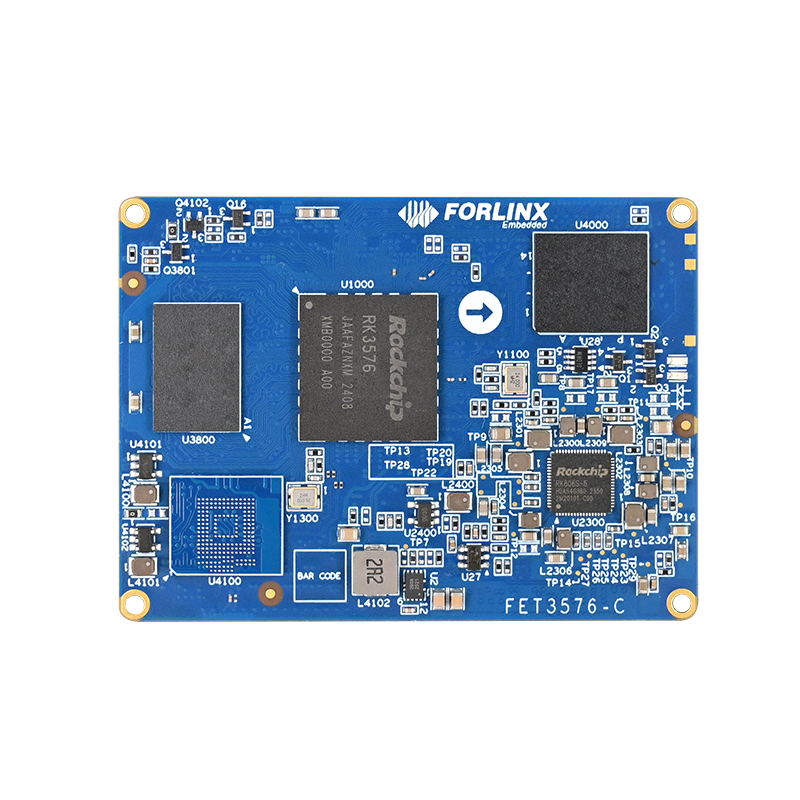
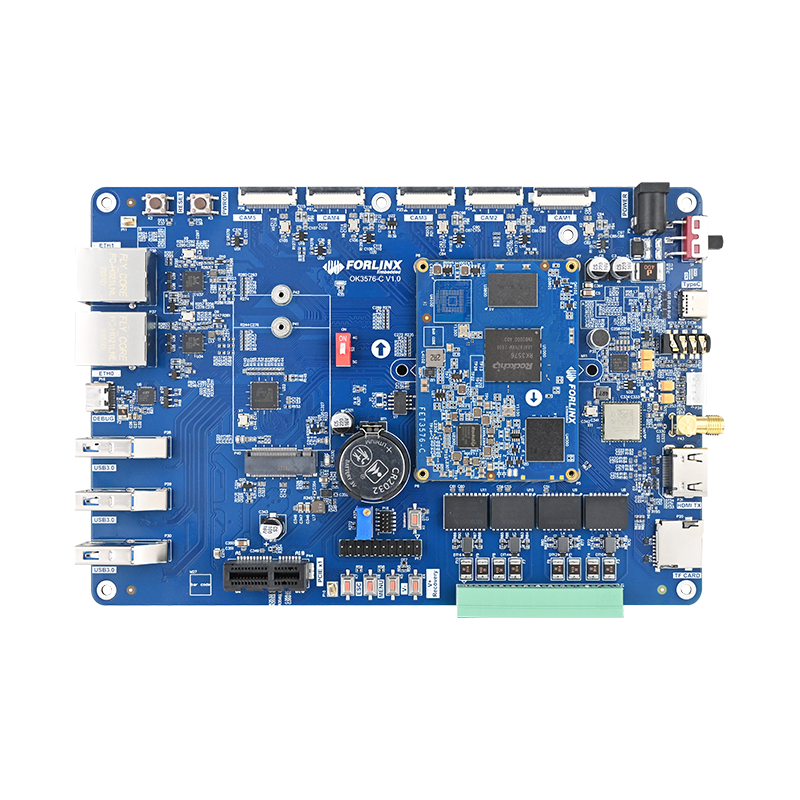
Forlinx RK3576 Development Board
The core carrier of the solution is the whitelist system service WhiteAppProcessListManagerService, whose specific path is:
frameworks/base/services/core/java/com/android/server/whiteappprocesslist/WhiteAppProcessListManagerService.java
The entire keep-alive solution is logically clear and highly implementable, primarily divided into the following three core steps:
Whitelist Control Interface Development
Monitoring Service Development
Testing and Validation
Encapsulates the functions for retrieving and adding processes to the whitelist, enabling the management of process protection.
An independent monitoring thread is developed to track the real-time status of whitelisted processes and implement automatic process restart.
A test application is developed and subjected to comprehensive scenario validation to ensure the stability and reliability of the keep-alive mechanism.
4. Whitelist Management Interface Development and Initialization Configuration
As the system service managing the whitelist, WhiteAppProcessListManagerService encapsulates two core external interfaces, which respectively implement the retrieval and addition of whitelist entries:
4.1 Implementation of SoM Interfaces
//Get the whitelist process list interface
@Override
public @Nullable List<String> getWhiteAppProcessList() {
try{
// Call the corresponding method of the Activity Manager Service to obtain the whitelist
return mActivityManagerService.getWhiteAppProcessList();
}catch(Exception e){
e.printStackTrace();
return null;
}
}
//Add Process Name to Whitelist Interface
@Override
public void setWhiteAppProcessList(@Nullable String whiteAppProcess){
try{
// Call the corresponding method of the Activity Manager Service to set the whitelist
mActivityManagerService.setWhiteAppProcessList(whiteAppProcess);
}catch(Exception e){
e.printStackTrace();
}
}
4.2 Service Initialization Configuration
In the constructor of this service, the Forlinx RK3576 development board preconfigures the test application com.forlinx.logtest and adds this test app to the whitelist as the validation carrier for the keep-alive mechanism. At the same time, the monitoring thread is launched to ensure the proper triggering of keep-alive logic:
public WhiteAppProcessListManagerService(Context context, ActivityManagerService activitymanagerservice) {
mContext= context;
mActivityManagerService = activitymanagerservice;
//Add the test APP to the white list, and there is no extra space in the package name
mActivityManagerService.setWhiteAppProcessList("com.forlinx.logtest");
//Get the whitelist and print the log for debugging verification
List<String> list = mActivityManagerService.getWhiteAppProcessList();
for (int i=0;i<list.size();i++){
Log.d(TAG,"white app process list["+i+"]-"+list.get(i));
}
// Start the whitelist monitoring thread and start the process status detection
Thread thread = new Thread(new WhiteListMonitor(mContext,this));
thread.start();
}
Note: The whitelist monitoring service operates at the system level, starts automatically on system boot, and runs independently without relying on the test app launch. Only processes within the whitelist require manual initial startup, after which the monitoring service will continuously track the status.
5. Development of Whitelist Process Monitoring and Auto-Restart Service
The monitoring service and the framework-level whitelist mechanism have distinct roles:
Framework-Level Whitelist Mechanism:
Already adapted within the framework-level process management module, it allows processes in the whitelist to bypass system-level process cleanup and freezing restrictions, such as those imposed by OOM Killer, Low Memory Killer, Freeze (process freezing), and the ''Force Stop'' button in Android Settings.
Monitoring Service:
As an independent thread, it primarily handles scenarios where processes are terminated manually, such as when the application interface is closed or the process is killed via shell commands.
5.1 Core Logic of the Monitoring Thread
The monitoring service performs real-time traversal detection at 1-second intervals. When an abnormal status is detected for a whitelisted process, it automatically restarts the process and switches it to the background:
@Override
public void run(){
while(true){
try{
//Get all the process information of the system
List<ActivityManager.RunningAppProcessInfo> processes = getRunningAppProcesses();
for (ActivityManager.RunningAppProcessInfo process : processes){
//Print basic process information for debugging
Log.d(TAG,"Process:"+process.processName+",PID:"+process.pid+",state:"+process.processStateToString(process.processState)+","+process.processState);
//Detect whether the process is a whitelist process and the status is equal to or greater than empty cache status.
if (mWhiteProcessList.contains(process.processName) && process.processState >= ActivityManager.PROCESS_STATE_CACHED_EMPTY){
//Build the startup Intent based on the process name
Intent intent = getLaunchIntentForPackage(process.processName);
if (intent != null){
Log.d(TAG,"restart"+process.processName);
//Add a flag bit to avoid creating a new task stack
intent.addFlags(Intent.FLAG_ACTIVITY_NEW_TASK);
//Carry the startup mode ID and mark it as background active.
intent.putExtra("StartMode","Background");
//Start the process and complete the automatic pulling.
mContext.startActivity(intent);
//Simulate the HOme key after activation, and switch the application to the background.
Instrumentation instrumentation = new Instrumentation();
instrumentation.sendKeyDownUpSync(KeyEvent.KEYCODE_HOME);
}
}
}
//The thread sleeps for 1s, and the process status is detected in a loop to ensure the timeliness of pulling activity.
Thread.sleep(1000);
} catch(Exception e){
Log.d(TAG,"restart process fail");
e.printStackTrace();
}
}
}
The monitoring thread can quickly identify and complete the restart process when an abnormal status occurs in a whitelisted process. The transmission of Intent parameters provides a key basis for the application to distinguish the startup method and execute background operation logic. The operation of switching to the background after restart ensures the concealment and stability of application background operation in industrial scenarios.
6. Test APP Adaptation Development and Full-Scenario Validation
To verify the effectiveness and stability of the keep-alive mechanism, this test conducts adaptation development and full-scenario validation based on the com.forlinx.logtest test APP. This APP completes the development of startup mode judgment and background operation logic, and includes its own test thread.
6.1 Development of Startup Method Recognition Logic
The test APP receives the StartMode message transmitted by the monitoring service in the onCreate function. By determining whether the message content is ''Background,'' it accurately identifies whether the application's startup method is triggered by the monitoring service's restart or manually triggered by the user:
// Determine if the application was started by background restart
private boolean isAppIsInBackground() {
boolean isInBackground = false;
String StartMode = getIntent().getStringExtra("StartMode");
if(StartMode != null && StartMode.equals("Background")) {
isInBackground = true;
}
return isInBackground;
}
@Override
protected void onCreate(Bundle savedInstanceState){
super.onCreate(savedInstanceState);
setContentView(R.layout.activity_main);
//Execute the corresponding logic according to the startup mode
if(isAppIsInBackground()){
Log.d(TAG, "start in the background");
moveTaskToBack(true);
}else{
Log.d(TAG, "The user triggers the start");
}
}
6.2 Development of Background Operation Verification Thread
The test APP includes a built-in test thread that prints an incremental number at 1-second intervals. Developers can observe real-time number changes through logcat logs, providing a clear and intuitive way to confirm whether the APP is running stably and continuously in the background:
new Thread(() -> {
long num = 0;
while (true) {
num++;
Log.d(TAG, "logtest count " + num);
try {
Thread.sleep(1000);
} catch (InterruptedException e) {
throw new RuntimeException(e);
}
}
}).start();
6.3 Full-Scenario Validation Results
After completing the adaptation development, the author conducted full-scenario validation on the Forlinx OK3576-C Android 14 platform. After launching the com.forlinx.logtest test APP, the following operations were performed sequentially: screen off, manual closing of the application interface, executing kill commands via the shell terminal, and triggering OOM Killer due to low system memory. Observations via logcat logs revealed:
After a process was manually terminated or cleared by the system, the monitoring service completed the automatic restart within 1 second. After restart, the APP automatically resumed running in the background without displaying any foreground interface;
The incremental numbers from the test thread continued printing without any interruption, confirming the APP stable background operation;
Processes within the whitelist were not cleared by OOM Killer, Low Memory Killer, or the process freezing mechanism, fully bypassing the limitations of the system's background process management;
The full-scenario validation results demonstrate that the developed keep-alive solution meets the core requirements of continuous and stable background operation for APPs in industrial-grade embedded scenarios, with effective and reliable keep-alive and restart logic.
7. Reflections and Insights on Scenario Adaptation
Implementing the APP keep-alive function on the Forlinx OK3576-C (RK3576) platform running Android 14 has provided developers with a deeper understanding of system service customization for embedded Android platforms. There is a fundamental difference between embedded platforms and consumer-grade Android devices:
Key differences between embedded platforms and consumer-grade Android devices:
Industrial Requirements: Higher demands for stability and continuity of background processes compared to consumer scenarios; core operations must not be interrupted.
Native System Limitations: Android's process management mechanism prioritizes resource optimization, which cannot fully meet the specific needs of industrial scenarios.
Core Solution: Custom development of an independent, system-level keep-alive monitoring service through low-level system services.
Design Advantages: The monitoring service starts automatically on boot, is decoupled from application processes, and ensures stability of the monitoring logic.
8. Areas for Optimization and Functional Expansion Suggestions
While the current keep-alive solution generally meets the core needs of industrial scenarios, there is one area that requires optimization. Specifically, processes that are included in the whitelist do not start automatically upon boot. Developers need to manually launch the test application for the first time before the monitoring service begins status detection and restart operations.
To enable automatic startup for whitelisted processes at boot, the constructor of the WhiteAppProcessListManagerService could be modified to directly launch these processes via an Intent, similar to the method used by the monitoring service to start processes. This change would create a fully automated workflow of "start on boot, restart on exception."
Expansion Suggestion: If there is a need for flexible control over the whitelist at the application layer—such as dynamically adding or removing keep-alive processes—the management class for the whitelist system service could be packaged as a JAR interface to facilitate external calling capabilities. However, from a system stability perspective, this modification is not recommended. Industrial-grade embedded devices have extremely high demands for system stability, and dynamic modifications to the whitelist could introduce risks, such as process management issues and excessive consumption of system resources.
9. Summary
The Core Value of Embedded Development
Embedded development focuses on tailoring systems and hardware to meet specific business needs. This APP keep-alive solution is a customized adaptation of Android process management system, designed to fulfill the critical requirement of maintaining continuous background processes for device monitoring and data collection in industrial scenarios.
In embedded development, native systems often offer only generalized functions and mechanisms, which may not fully address the unique and specific requirements of different industries. As a result, developers need to have a deep understanding of both the hardware platform and low-level system logic. This knowledge enables them to engage in customized development that effectively tackles real-world business challenges.