
Industrial All-Angle Vision Solution: RV1126B Platform AVS Panoramic Stitching + Target Detection
1. Solution Overview
AVS (Any View Stitching) Panoramic Stitching Technology: This technology integrates and stitches multiple camera feeds into a single complete image, achieving broader field-of-view coverage and all-angle video capture.
Core Principle of Panoramic Stitching:
The panoramic camera is treated as a unit sphere. Images captured by each lens are projected onto the spherical surface via an imaging model. Pixel-level fusion is applied to overlapping areas of multiple images to obtain a complete spherical image. Finally, 3D coordinate points on the spherical image are projected onto a 2D plane to obtain a flat image.
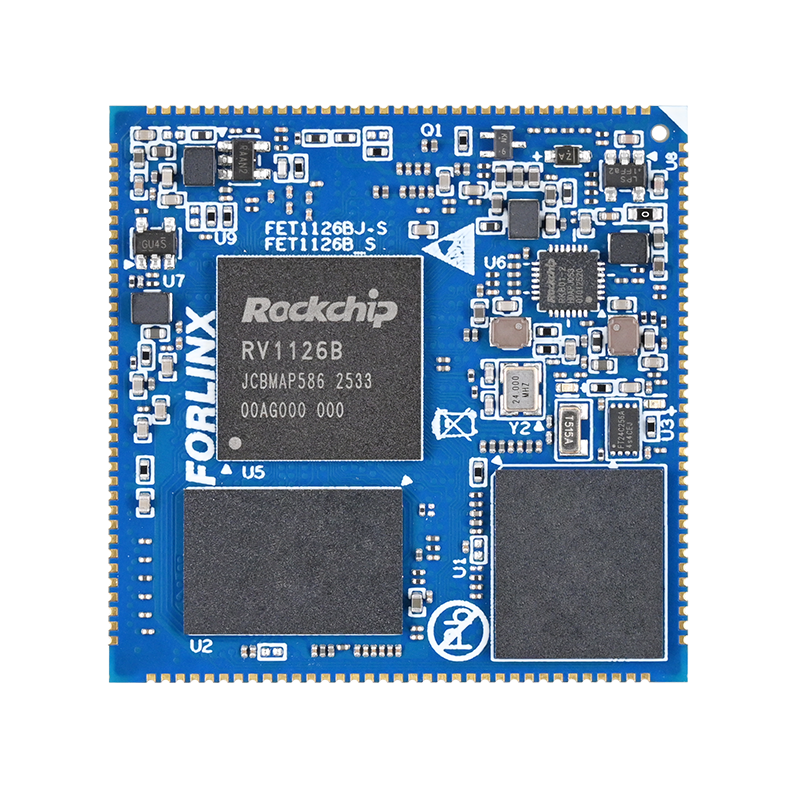
The RV1126B chip features a dedicated hardware stitching module, which handles image fusion directly in hardware, significantly reducing CPU and memory resource consumption, making it suitable for low-power edge vision applications.
The effectiveness of AVS panoramic stitching heavily relies on the camera calibration process, which is divided into two categories:
Intrinsic Calibration: Calibrates lens focal length, optical center, and distortion coefficients.
Extrinsic Calibration: Calibrates the relative installation positions between multiple cameras.
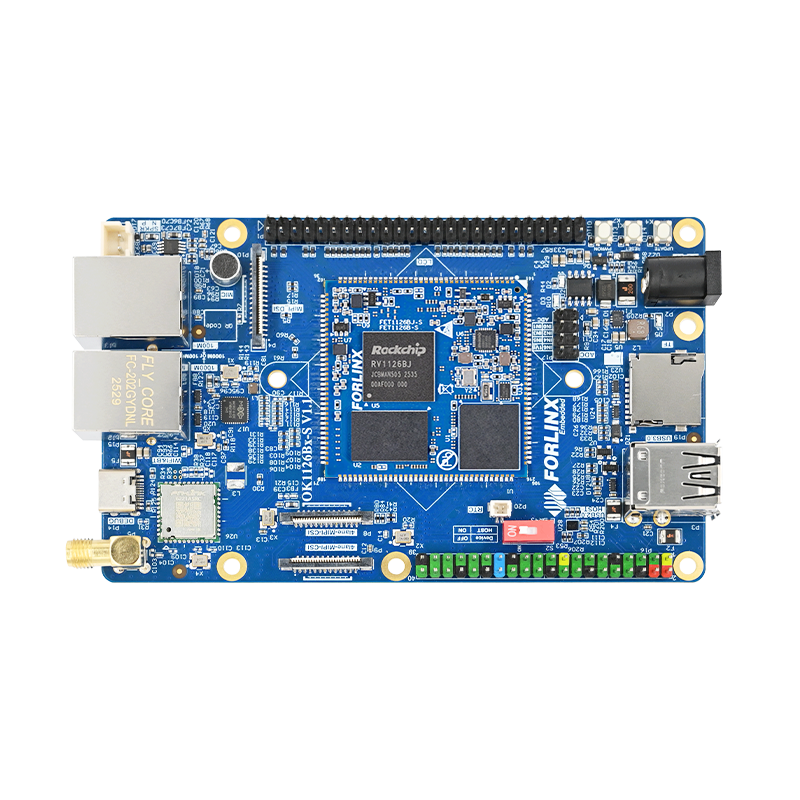
This article describes a 360° panoramic stitching solution based on the OK1126B-S development board + TP2815 4-channel analog-to-MIPI module, integrating four AHD cameras. A demonstration of real-world stitching results is provided at the end.
2. Software and Hardware Configuration List
Hardware Configuration:
OK1126B-S development board ×1
TP2815 4-channel analog to MIPI CSI module ×1
LT9211 MIPI to LVDS module
4 AHD cameras
Accessories: power supplies, data cables, etc.
Software Configuration:
OS:Linux 6.1
Dependency: Rockit multimedia framework
3. Hardware Connection Steps
Camera Assembly and Wiring:
Mount the 4 AHD cameras according to the calibration structure, and connect the signal cables to the TP2815 module in sequence. All cameras are powered by 12V.
TP2815 Module to Development Board Connection:
Power the TP2815 module via a Type-C interface with 5V. Use a unidirectional FPC ribbon cable to connect the module’s MIPI CSI channel to the P9 interface of the OK1126B-S development board. Refer to the schematic for hardware pin definitions.
Development Board Peripheral Connections:
Connect the OK1126B-S development board to the 5V main power supply. Use a Type-C cable to connect the board to a computer for serial debugging and system flashing. Connect the development board to a 10.1-inch LVDS screen via the LT9211 MIPI to LVDS module.
4. System Image Flashing
Flash a system image that supports Rockit and AVS. (Specific modification methods are omitted here. For details, please contact Forlinx Embedded for relevant patches.)
5. Panoramic Stitching Function Testing Process
Step 1: Deploy Program Files:
Place the compiled executable main_test, the AVS JSON configuration file, RK calibration files, AI libraries, and model files in the /root directory of the development board.
Step 2: Start the Panoramic Stitching Program:
Navigate to the /root directory and execute the program startup command:
./main_test
After the program runs normally, the console will print logs related to channel creation, as shown in the example output below:
22:46:30-306{4_ch_node_create:367}VPSs[1,0] sharebuffer should config staxsize[0,0], outputsize[1280,720]maybe not correct
22:46:38-308{v4_ch_node_create:367}VPSs[2,0]share buffer should config staxsize[0,0], outputsize[1280,720]maybe not correct
22:46:38-310{4_ch_node_create:367}VPSs[3,0]sharebuffer should config staxsize[0,0], outputsize[1280,720]maybe not correct
At this point, you can view the stitched 360° panoramic image from the four cameras on the LVDS screen, with target detection enabled.
6. Stitching Effect Demonstration
This summarizes the technical overview of creating a 360° panoramic stitching solution with four AHD cameras using Forlinx's OK1126B-S development board. For those evaluating platforms for similar projects, you can click to view the RV1126 series SoMs and development boards product page for detailed hardware parameters and technical specifications.