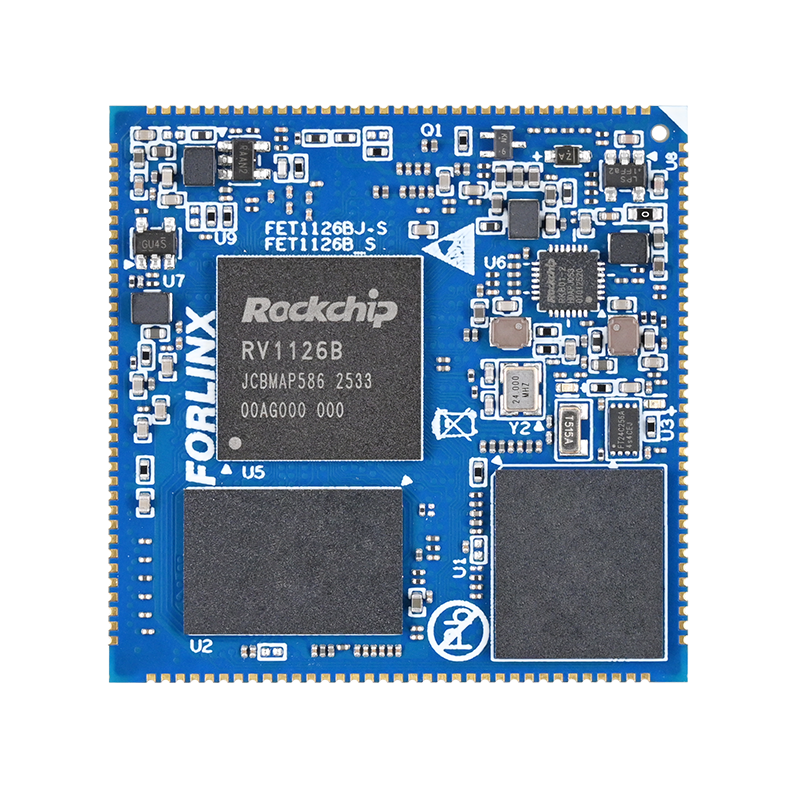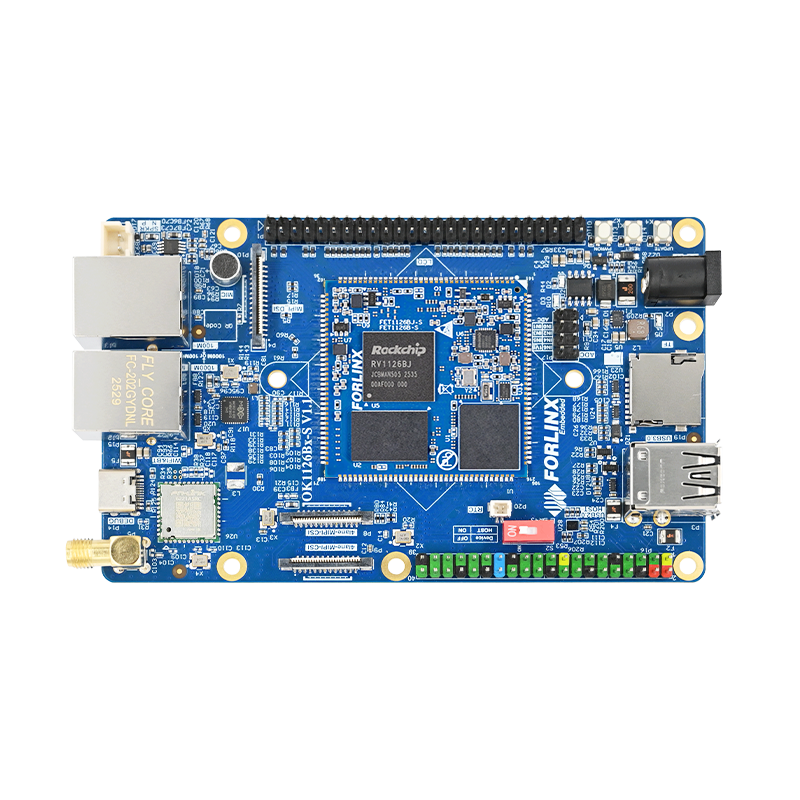

LT8912B MIPI-to-HDMI Function Adaptation and Optimization Based on the RV1126B Development Board
Recently, development on the OK1126B-S board based on the Rockchip RV1126 required adaptation of the Lontium LT8912B for MIPI-to-HDMI conversion. This is a common requirement in embedded display expansion, mainly involving driver porting, device tree configuration, and display parameter tuning. With its industrial-grade design, clear directory structure, and reliable hardware, the OK1126B-S provides an efficient development platform and simplifies third-party peripheral integration.
LT8912B MIPI-to-HDMI Adaptation Test Scenario on the OK1126B-S Development Board
After completing the basic configuration according to the standard adaptation process, the screen remained blank, and the HDMI output reported: ''Cannot display this video mode. Please reset the computer to 1920×1080.'' This prompted targeted troubleshooting and adaptation optimization.
Issue Analysis:
The HDMI output indicated that the video mode was incompatible. In MIPI-to-HDMI adaptation, such issues are often caused by a mismatch between the display modes supported by the driver and the resolution or timing parameters configured in the device tree. On the RV1126 platform, based on the DRM display framework, the driver layer provides display mode support, while the device tree defines the specific display timing and resolution. These two layers must match exactly for successful display initialization.
Based on this, the completed adaptation steps were first reviewed to confirm that driver deployment and device tree hardware binding were configured correctly. The focus was then narrowed to display mode matching, and the root cause was identified: in the LT8912B driver file lt8912_cp.c, only the 1280 × 800 display mode was enabled by default, while the initial device tree configuration was set to 1920 × 1080. As a result, the driver could not recognize or initialize the corresponding display mode, leading to the blank screen and HDMI compatibility issue.
Complete Adaptation Solution
To address the issue above, a complete adaptation solution was developed based on the characteristics of the OK1126B-S development board running the 6.1.141 Buildroot system. The process was carried out step by step, covering driver deployment, build configuration, device tree hardware binding, and display parameter matching. The specific steps are as follows:
1. Deploy the LT8912B Driver File
Place the Lontium LT8912B driver file lt8912_cp.c into the OK1126B-linux-source/kernel/drivers/gpu/drm/bridge/ directory of the Forlinx embedded development board source tree. This directory is the standard location for bridge chip drivers in the platform DRM display framework and also conforms to the driver directory structure of the Rockchip RV1126 kernel.
Note: The lt8912_cp.c file can be obtained by contacting online customer support.
2. Modify the Makefile to include the driver compilation.
After deploying the driver file, edit the Makefile in the kernel/drivers/gpu/drm/bridge/ directory. Add the following build instruction at the end of the file so that lt8912_cp.c is included in the kernel build process and the corresponding driver module is generated during kernel compilation:
obj-y += lt8912_cp.o
3. Add the LT8912B Hardware Node to the Device Tree
After resolving the driver build configuration, the next step is device tree configuration. Referring to the OK1126B-S-common.dtsi device tree file of the OK1126B-S platform, add the LT8912B device node under the i2c3 node to complete the hardware binding and attachment of the chip to the i2c3 bus. Since the LT8912B has three I2C addresses, address 0x01 is temporarily configured in the device tree. The core I2C addresses are added dynamically by the kernel driver functions. The node configuration is as follows:
&i2c3{
status = "okay";
pinctrl-names = "default";
pinctrl-0 = <&i2c3m1_pins>;
// Lontium LT8912B MIPI-to-HDMI device node
lt8912: lt8912@1 {
compatible = "lontium,lt8912";
reg = <0x01>;
i2c-bus = <&i2c3>;
reset-gpios = <&gpio4 RK_PB1 GPIO_ACTIVE_LOW>;
status = "okay";
};
};
Device Tree i2c3 Node Configuration Example
4. Modify the Display Device Tree to Match the Driver-Supported Display Mode
The previous black screen issue was mainly caused by a resolution mismatch. Edit the OK1126B-S-display.dtsi device tree file and change the display timing configuration to 1280 × 800, so that it matches the default display mode supported by the lt8912_cp.c driver. The specific display timing parameters are as follows:
disp_timings0: display-timings {
native-mode = <&panel_1280x800>;
panel_1280x800: timing0 {
hback-porch = <10>;
hfront-porch = <100>;
hactive = <1280>;
hsync-len = <10>;
vback-porch = <1>;
vfront-porch = <2>;
vactive = <800>;
vsync-len = <20>;
clock-frequency = <71000000>;
/* Approximate 71 MHz for ~60Hz with these timings */
vsync-active = <0>;
hsync-active = <0>;
de-active = <0>;
pixelclk-active = <0>;
};
};
Display Timing Parameter Configuration Example
5. Rebuild the Kernel to Complete the Adaptation
After modifying all the files above, run the kernel build command in the Buildroot environment of the RV1126 development board to compile the driver and device tree changes into the kernel image. Once the build is complete, flash the new kernel to the development board. At this point, the MIPI-to-HDMI adaptation is fully completed.
Verification Results
After powering on the RV1126B development board, the LT8912B MIPI-to-HDMI function was successfully adapted, the display lit up normally, and the previous video mode error no longer appeared. The adaptation results were further verified through terminal commands on the development board, and all feedback matched expectations:
1. Running i2cdetect -y 3 detected the LT8912B device on the i2c3 bus, confirming successful hardware attachment.
2. Running dmesg | grep 8912 showed normal driver initialization logs. The key log messages are as follows:
[4.964730] LT8912 ID:12,b2
[4.964736] LT8912:Start Initialization...
[5.222233] LT8912:Setting Mode 1280x800
[5.705876] LT8912:Releasing Reset (0xFF)...
[5.806216] LT8912: Enabling HDMI...
[5.806543] LT8912:Init Done.
Driver Initialization Log Verification Screenshot
Technical Summary
The successful adaptation of the LT8912B MIPI-to-HDMI function on the OK1126B-S platform once again confirms a core principle of embedded low-level development: the driver and device tree must match exactly. This is especially critical for display bridge chips, where the display modes supported by the driver and the timing parameters configured in the device tree are key to achieving proper display output.
During peripheral adaptation on embedded platforms, if the hardware has been successfully attached but the function still does not work properly, the most efficient troubleshooting approach is to first check the consistency between the driver and device tree parameters. Particular attention should be paid to resolution, display timing, configuration settings, and bus parameters.
The Forlinx OK1126B-S development board, with its standardized directory structure and stable, reliable hardware design, greatly simplified this adaptation work and serves as an ideal platform for embedded developers.
When integrating third-party bridge chips, careful review of the vendor driver’s default configuration is essential, as some drivers enable only limited functional modes by default. In such cases, priority should be given to adapting the device tree or driver configuration instead of directly modifying the driver source code, which helps improve efficiency and reduce the risk of introducing new stability issues.
The Forlinx OK1126B-S development board, with its standardized directory structure and stable, reliable hardware design, greatly simplified this adaptation work and serves as an ideal platform for embedded developers.