
Inside the Forlinx Booth at electronica 2026
November 10–13, 2026 | Messe München | Hall C5, Booth 331
How many camera feeds can your device handle? Can it search captured images locally? At electronica 2026, Forlinx Embedded is bringing those questions to the show floor. At Booth 331 in Hall C5, visitors can explore ten demos and platforms spanning edge vision, synchronized power monitoring, robotics and industrial touchscreens.
The booth brings together processor technologies from Qualcomm Technologies, NXP and Rockchip with Forlinx modules, development hardware and application software. That ecosystem gives OEMs and engineering teams a way to compare platforms around the job their device needs to do. Bring a camera configuration, an AI model or an interface requirement and discuss what to test first with the Forlinx team.
Edge AI and Video
01 Understand a live camera feed with i.MX9596 and ARA240
Step into the camera view and try a simple action, such as making a phone call or taking a drink. The i.MX9596 detects the person first. The ARA240 accelerator then analyzes selected frames for clothing or actions. Both steps run locally. Ask the booth team to show the detection box and the resulting description from the same test.
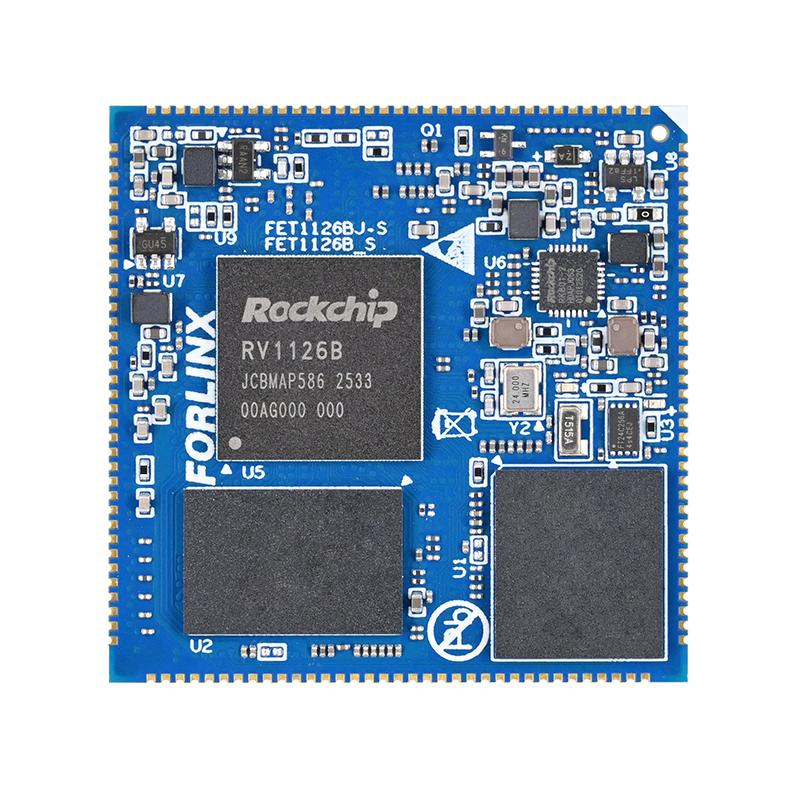
02 Build a panoramic view with RV1126B
Several fisheye cameras capture different directions. The RV1126B demo corrects lens distortion and stitches the feeds into a panoramic image, then runs person detection on the combined view. Compare the individual feeds with the stitched output to see how a wide area can be monitored from a single view.
03 Search captured images with Qualcomm Dragonwing IQ-9075
Type “a person in a red shirt carrying a backpack” and see which images the system returns. The demo compares the query with image features already stored in a local index. The corresponding Forlinx platform is the FET9075AA-C SoM, available in a 100 dense TOPS configuration.
Video Analytics and Power Monitoring
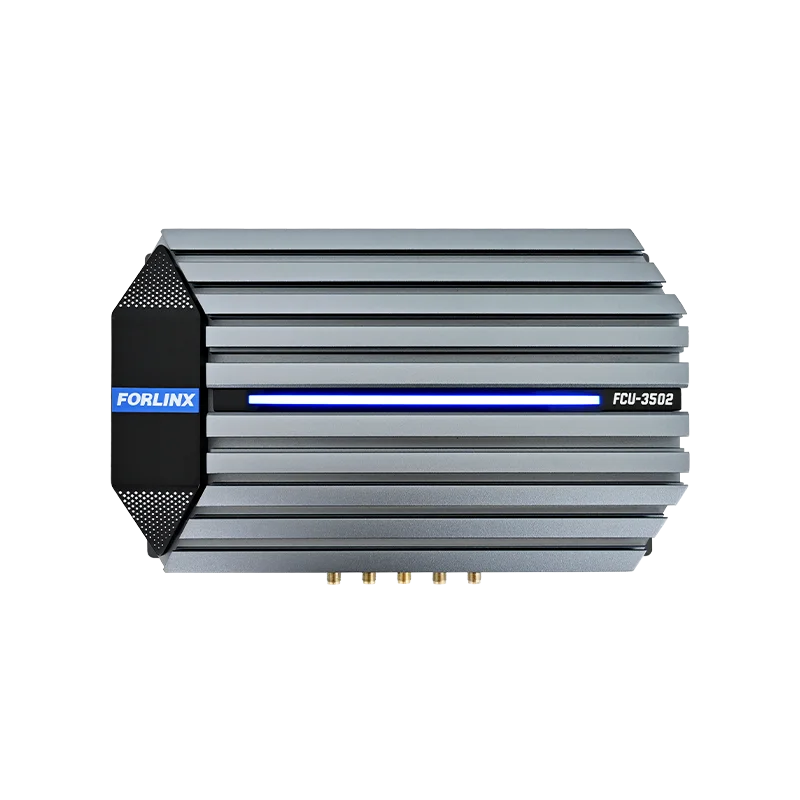
04 Analyze 36 network video feeds with the FCU3502
The FCU3502 demonstration uses 36 network video streams at 720p and 20 fps with H.265 encoding. The unit decodes the feeds and overlays analytics on the display. Ask to see a channel running zone intrusion detection or pose estimation alongside the multi-channel view.
05 Run industrial safety detection with Qualcomm Dragonwing IQ-8275
This setup combines four live USB camera feeds and 32 local video streams. The tiled display shows how detections are overlaid on individual channels. The corresponding FET8275AA-C SoM is available in a 40 dense TOPS configuration. Its 12-camera specification describes the platform’s camera capability. The 36 video inputs describe the booth workload.
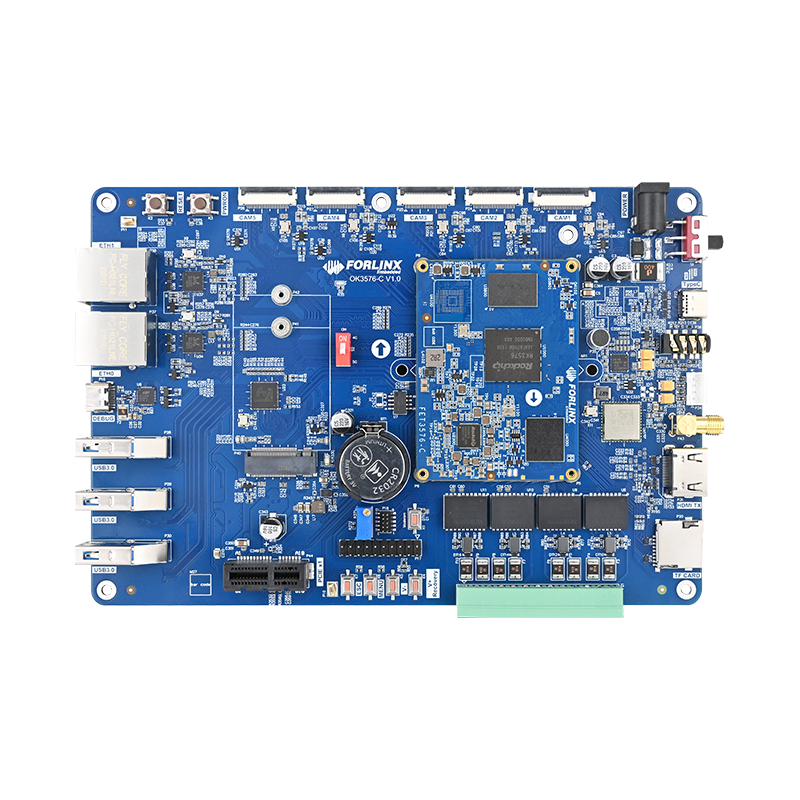
06 Capture 64 synchronized power signals with OK3576-C and FPGA
For power monitoring, the timing relationship between signals matters. An FPGA coordinates synchronous acquisition across 64 channels. A real-time core processes the samples, and a Linux interface displays waveforms and their frequency components. The demo lets engineers see how those tasks are divided across the system.
Robotics Interfaces and Product Development
07 Combine depth camera and LiDAR data on the FCU3021
Look at the same object in the camera image, the LiDAR point cloud and the combined 3D view. The demo aligns the sensor feeds in time and space before combining them. A depth camera contributes image and depth detail, while LiDAR supplies range measurements. This is a workflow robotics teams can discuss when planning near-field perception or mapping.
08 Ask an offline digital human about a product
Ask a question in English or select one of the on-screen prompts. The system retrieves relevant passages from the product documentation, generates a response and speaks it through the on-screen avatar. The demonstration runs locally, so visitors can see how a product FAQ can work without a cloud connection.
09 Evaluate the i.MX952 SoM for an edge device
The i.MX952 system-on-module is on display for teams choosing a platform for a new device. It combines application processing with on-device AI acceleration and video processing. Bring your camera interfaces, target model and control requirements to discuss how the SoM could fit into your carrier board and software design.
Visit Forlinx at Hall C5 Booth 331
If you have a project in mind, bring your input types, channel count and what you need the device to do. The Forlinx team can walk you through the relevant demo and discuss which hardware and software options to evaluate.
See the Forlinx event page and book a meeting.